Operation environment: temperature 0 °C to 40 °C, relative humidity ≤85%
Power dissipation: about 25 W
Weight: about 3 kg
Operating Instructions
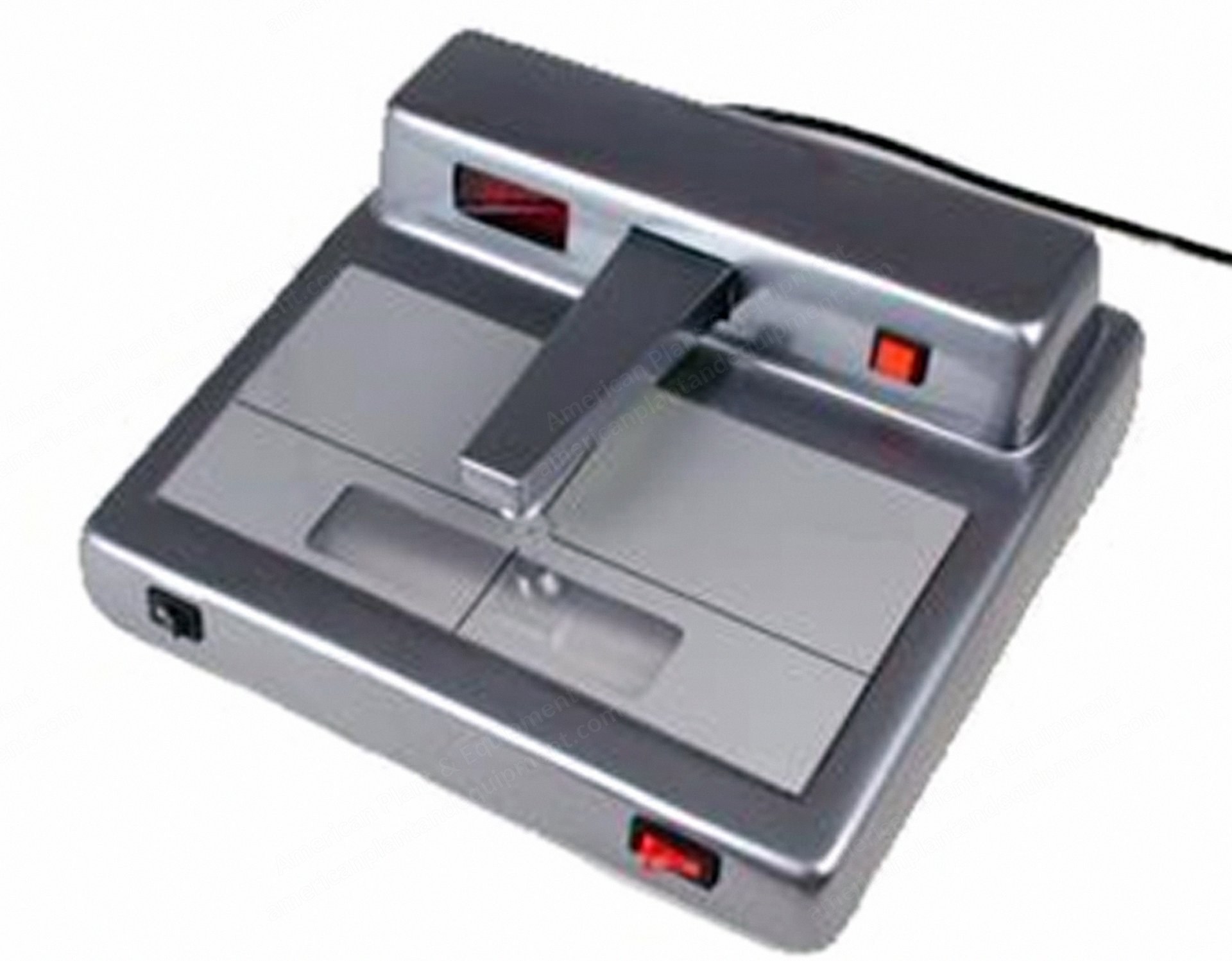
Measuring density values: push power button after connecting to electricity, screen shows “-.--”, warm up for 5 minutes.
Push measuring arm down without samples, screen shows “E.1”; keep pushing arm while pressing red zero setting button, screen shows “0.00”; release arm to enter measuring stage.
Align sample with aperture and push measuring arm button to display density value.
When using standard density tablet, determine zero point first by aligning benchmark without tablet, pushing arm and zero button simultaneously until screen shows “0.00”.
Observing samples: turn on light on lower left corner to illuminate trichromatic fluorescent lights inside instrument.
Points for Attention
Keep black-white densimeter away from dusts, humidity, alkaline and acid objects, and magnetic fields.
The aperture diaphragm is glued with small cohesive tape when leaving the plant; do not remove the tape when moving or using the diaphragm to avoid losing it.
Keep the density tablet clean; use it only when unsure about instrument readings.
When density readings are out of prescribed range, measurement data still have reference value.
Request a Quote
✓
Request sent
Thank you, our team will reply to you shortly.
Direct access to our team
Email American Plant & Equipment
Tell us what you want to buy, source, finance, or sell. A machinery specialist will follow up with you.
✓
Thank you. Your request is with the American Plant and Equipment team.
A machinery specialist will follow up with you.
Machinery updates
Subscribe to our email list
Tell us which industries you follow and we will send you the machines that match.
✓
You are on the list.
We will email you when machines that match your interests come in. Unsubscribe from any message.