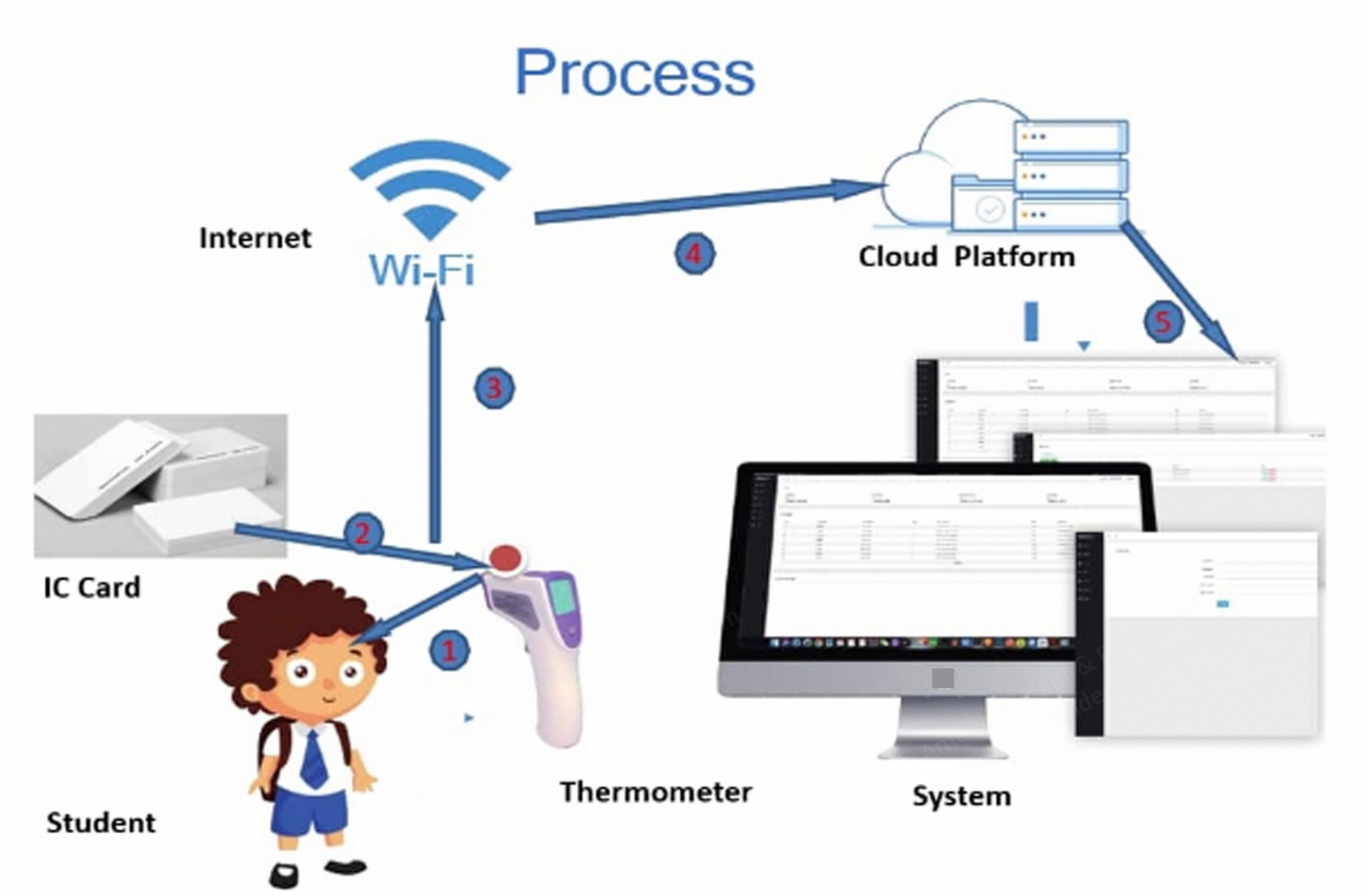
Description Wi-Fi System Connection Remove the thermometer cover, then touch the "Mode" key. When you hear a single "Di" sound, release the key. After scanning, obtain network connection. Enter the Wi-Fi password. Search for the device. When the thermometer emits a "Di" sound, the screen automatically closes, confirming the thermometer Wi-Fi system connection is successful. System Data View data screens (screenshots 7, 8, 9). User Management User screens (screenshots 10, 11, 12, 13). Equipment Equipment screens (screenshots 14, 15). Settings Settings screen (screenshot 16).